How to outline a screenplay with index cards
One scene per card, on a table or a corkboard.
The short answer
To outline a screenplay with index cards, write one scene on each card, lay the cards out in order on a table, wall or corkboard, and rearrange them until the story works. Then write the script from the cards.
It works because you can see the whole film at once. Moving a scene takes a second, and cutting one costs nothing, because you haven’t written five pages of it yet that you’d hate to lose.
What goes on a card
Keep each card short enough to read from a step away:
- Where and who. The location and the characters in the scene, a bit like a scene heading.
- What happens, in one line.
- What changes. By the end of the scene, something should be different for someone: they know something, lost something or decided something. If you can’t write this line, the scene might not need to exist.
Color does a lot of work on a board. Give each plotline its own color of card or pen, and you’ll see at a glance when the B-story vanishes for half the second act.
How many cards?
Blake Snyder’s Save the Cat! suggests about forty cards for a feature, and treats needing a lot more than that as a sign the story isn’t under control yet. A TV episode needs fewer. Treat the number as a sanity check rather than a target: the board should show the shape of the story, not every line of it.
Laying out the board
The most common layout is one row per act. Snyder’s board uses four rows: the first act, the first half of the second act up to the midpoint, the second half of the second act, and the third act. Splitting the long second act at its midpoint makes it much easier to see whether it has a turn in the middle or just keeps going.
Another option is to put a header card for each step of a story structure across the top and file your scene cards underneath. That works with any structure: three acts, the Hero’s Journey, or Dan Harmon’s eight-step Story Circle.
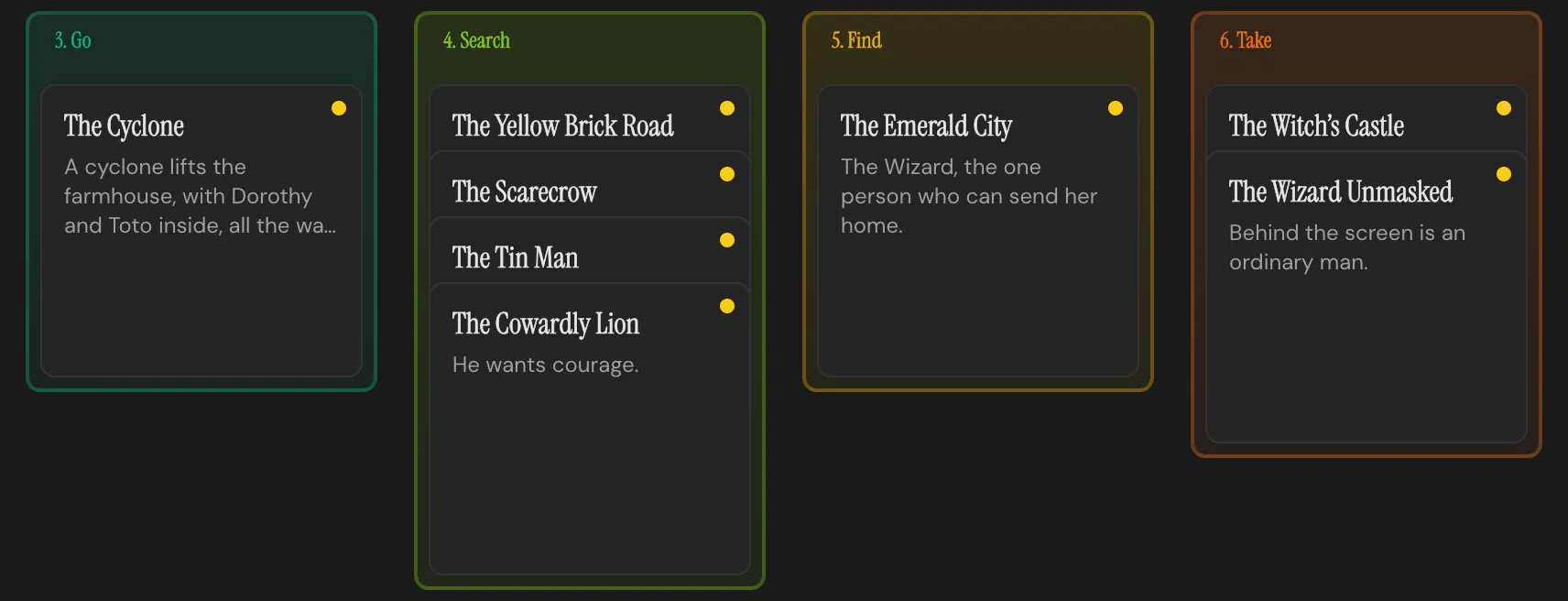
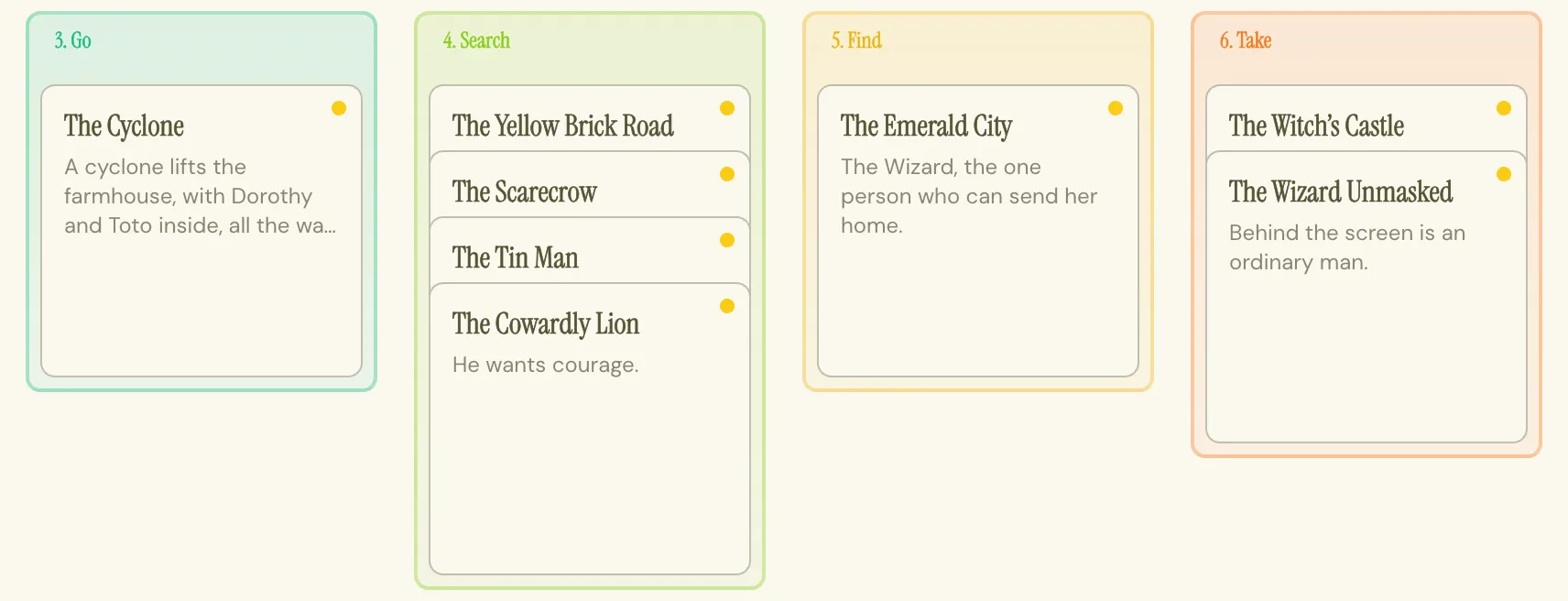
Header cards across the top and scene cards filed underneath: steps three to six of the Story Circle, filled in with The Wonderful Wizard of Oz. Which part of the story is crowded and which is thin shows before you read a single card. Outlined in the Draft Workspace of the Throughline App.
Working the board
- Empty your head. Every scene you already know goes on a card, in no particular order. Don’t sort while you’re writing.
- Place the anchors. The opening, the ending, the midpoint and the biggest turn go up first.
- Fill the gaps between the anchors, one card at a time.
- Pitch it to yourself. Walk along the board and tell the story out loud from the cards. Wherever you find yourself saying “and then, somehow,” a card is missing.
- Look at the board, not the cards. Is one row much longer than the others? Is a color missing for a long stretch? Are there two cards in a row where the same thing changes?
- Write when the board reads well. Not before.
Corkboard, table or software?
Physical cards are hard to beat for the first pass. You can stand back from them, hand them to someone, and shuffle them with your hands, and a wall of cards is a very good reminder that the story exists. They’re also stuck where you pinned them, you can’t search them, and they live apart from the script, so the outline stops matching the draft about a week after you start writing.
Most screenwriting software has some kind of card or corkboard view to solve the last part. The thing to check is whether the cards and the script are the same thing underneath, or two separate documents you have to keep in sync by hand.
Where the Throughline App comes in
The Draft Workspace is a board of cards. Your scenes are Beats on the Throughline row, with a row of Settings and a row of Characters above it that you drag down onto each Beat to cast it. Each Setting gives its Beats a colored sleeve, so you can see where every scene happens at a glance. Reorder by dragging, stack alternate versions of a scene on top of each other, and deal in a whole Structure Deck as header cards to file your Beats under. Loose ideas wait in the Sparks tab until they’ve earned a card.
So here’s the pitch. Each Beat Card holds the scene’s actual text, which you write in the Write Workspace’s screenplay editor, so the board and the script are the same thing and the outline never goes stale. The Shape Workspace lays the same Beats out as an emotional Arc, and Deliver turns them into an industry-standard screenplay PDF. You buy the Throughline App once, it runs offline on your own machine, and when it imports the script you already have, every scene heading becomes a Beat, so your current draft turns up as a board of cards!
Whatever you outline with, keep the cards after the first draft. Rewrite each card to say what the scene actually does now, rather than what you planned, and the board becomes the quickest way to see what your draft turned into and where it drifted from the plan.