Characters
Characters live in their own row above the Throughline in the Draft Workspace. Create a Character Card, then drag it or its chip down onto a Beat to cast it there.
What’s on a Character
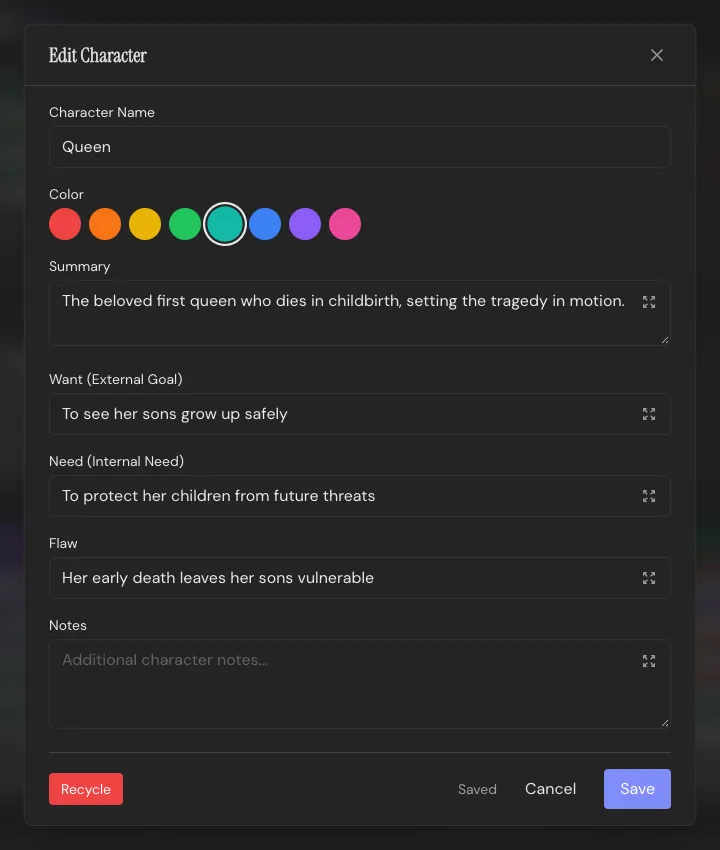
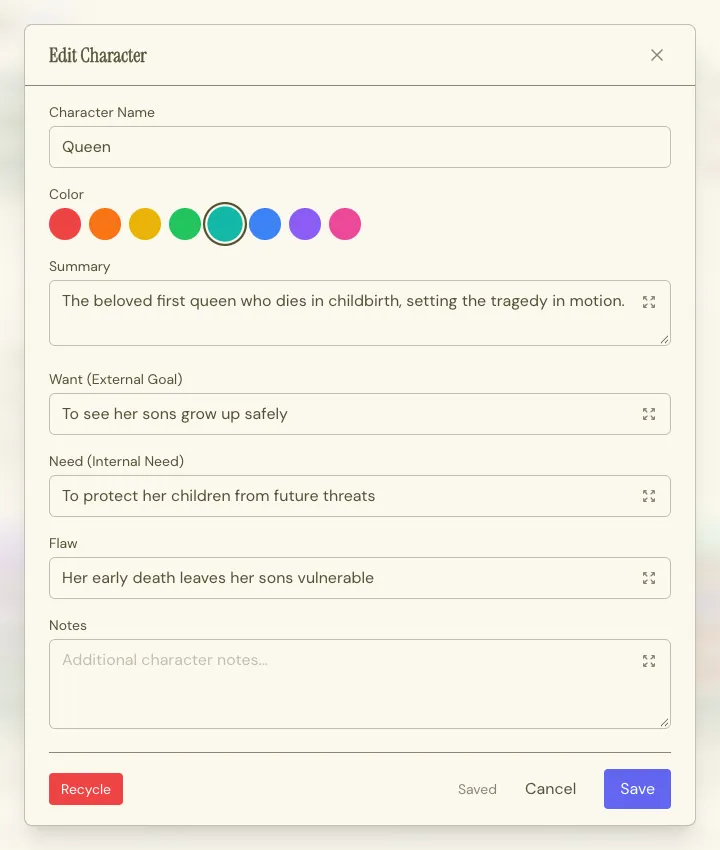
Section titled “What’s on a Character”A Character Card holds:
- Name
- Color, which follows them everywhere: their chip, their dialogue highlighting in the Write Workspace, their node in the Shape Workspace’s Constellation
- Summary
- Want, Need and Flaw: what they’re chasing on the surface, what they actually require, and what’s preventing them from getting it
Casting
Section titled “Casting”Drag a Character Card or its chip onto a Beat and they’re in the cast for that scene. The Beat lights up while you hover over it, so you can see where the Character lands. A Beat can hold as many Characters as you need. You can also enter Character names manually in the Beat dialog, or in the Beat’s top bar in the Write Workspace.
Characters aren’t locked to one Beat. Cast the same Character into every scene they appear in; the relationship is just a drag, so restructuring later costs nothing.
Remove a Character from a scene they still speak in, and Throughline asks who takes their lines there. Pick another Character, or type a new name to create one right in the dialog. Their cues and name mentions in that scene move over. Their lines in other scenes stay theirs. Keep them in the scene changes nothing, and a Character you typed there is not created. One undo (Cmd/Ctrl+Z) brings the old Character back into the scene and removes a Character you created there.
In the Constellation
Section titled “In the Constellation”In the Shape Workspace’s Constellation, Characters are nodes you can connect to one another, with a relationship labelled in each direction. See Shape for that side of it.
In the script
Section titled “In the script”Character names autocomplete in the Write Workspace, and (V.O.) and (O.S.) cues stay attached to whichever Character they belong to. Rename a Character and Throughline offers to rename them throughout the script too, with a preview of how many scenes and lines are affected. A Character the script doesn’t name yet just takes the new name. See Formatting & Elements.
Recycling
Section titled “Recycling”Drag a Character onto the recycling bin, or click Recycle in its editor, and it’s recycled, not gone. Open the bin and you can restore it exactly where it was.
If the Character is still in a scene’s cast, speaks dialogue or has relationships, Throughline names the scenes and asks which Character takes them over. Pick one from the list, or type a new name to create one right in the dialog. Nothing is created until you confirm, so Cancel leaves the project as it was. Their cast places, dialogue cues and relationships move over. One undo (Cmd/Ctrl+Z) brings the old Character back and removes a Character you created there.
Only when the project has no other Character can you recycle without a replacement: leave the name field empty. A typed name is then enough, without a click on Create, and the button names the new Character. Without a replacement, the dialogue lines keep the name, and the cast places and relationships are removed.